

See the camera, settings, date and GPS location hidden in a JPEG, then download a copy with the metadata removed.
Updated
/ 5 - Be the first to rate this tool Thanks for rating!
Verification failed - please try again.
Quick check
Please verify you're not a robot to submit your rating.
Give feedback
Tell us what you think about View and remove photo EXIF metadata.
Your photo is read entirely in your browser and is never uploaded to a server.
Drop a photo here, or click to choose one
JPG, PNG, or WebP
Privacy warning: this photo contains GPS location data.
Anyone you share it with can see where it was taken:
No EXIF metadata was found in this file.
Removing metadata also removes the orientation tag, so some phone photos may open rotated.
- Runs entirely in your browser — your photo is never uploaded
- Removes metadata losslessly, without re-encoding the image
- Free, no account required
How it works
-
1
Choose or drop a JPEG, PNG or WebP photo. It never leaves your browser.
-
2
Read the camera, settings, date and GPS tags grouped on screen.
-
3
Check the privacy warning if the photo contains a GPS location.
-
4
Click Remove metadata to download a clean copy of the JPEG.
Why use this tool
Every image task, one place
Resize, compress, convert, crop, rotate, filter, and watermark — no need for a heavyweight photo editor.
100% private, always
Every tool runs entirely in your browser using the canvas API — your images are never uploaded to a server.
Works on any device
Runs in the browser on Windows, Mac, Linux, iOS, and Android — nothing to install, nothing to trust but the tab.
Instant results
No queues and no desktop app to wait on — edits and conversions finish the moment you make them.
Convert to any format
Move between JPG, PNG, WebP, and ICO — output stays sharp, with quality settings when you need control.
Free, always
Every tool here is free to use, with no watermarks, size limits, or forced trial period.
Frequently asked questions
EXIF is information a camera or phone stores inside a photo, such as the device model, exposure settings, the date taken and sometimes the GPS location.
No. The metadata segments are cut out of the JPEG file directly, so the image data is not re-encoded.
No. The file is read and cleaned entirely in your browser.
They rarely do. The viewer will tell you when no EXIF is found; metadata removal is available for JPEG files.
From the blog
Responsive Images Done Right: srcset, Sizes, and the Widths That Matter
Shipping one giant image to every device is the easiest performance mistake to make. Here is how to pick a small set of widths, wire up srcset and sizes correctly, and stop guessing.
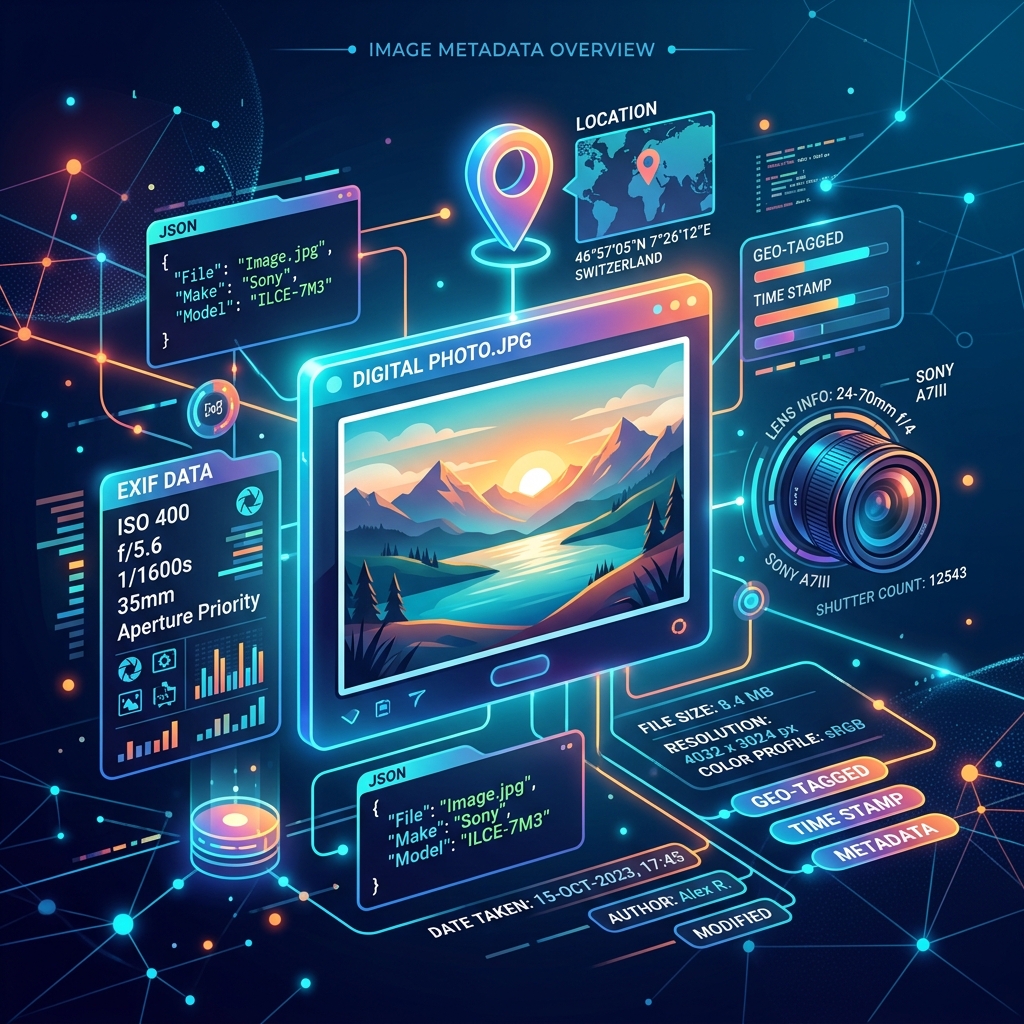
Understanding Image Metadata: EXIF, Privacy, and Performance
Every photo you take contains hidden metadata. Discover how to read EXIF data, protect your privacy by stripping location tags, and optimize files for faster loading.
The Art of Cropping and Rotating: Framing Images for Web and Social Media
A complete guide on how to frame, crop, and rotate images to match aspect ratios for social media posts, headers, and web layouts without distortion.
Recently viewed
Related tools
Pick colors from an image for free
Click anywhere on an image to read its exact HEX and RGB color, right in your browser.
Extract pages from a PDF for free
Pull specific pages out of a PDF into a brand new document.
Resize an image to Facebook post size for free
Fit or fill an image to the 1200×630 Facebook post size, with drag-to-reposition and zoom, right in your browser.
Generate a complete favicon pack from one image
Create favicon.ico, PNG icons from 16 to 512px, an apple-touch-icon and site.webmanifest from a PNG, JPG or SVG, right in your browser.
Fill out a PDF form for free
Fill in an existing PDF's fillable fields and save your answers, right in your browser.
Flatten a PDF for free
Turn fillable form fields into permanent, uneditable page content.
Flip an image online for free
Mirror a JPG, PNG, or WebP image horizontally or vertically, right in your browser.
Generate a location QR code for free
Create a QR code that opens a map at your exact latitude and longitude.
Make a GIF from images or split a GIF into frames
Turn images into an animated GIF with your own frame delay, loop and size, or split a GIF into PNG frames, right in your browser.
Generate a .gitignore file online
Pick languages, frameworks, and editors to instantly build a combined .gitignore file, in your browser.
Generate MD5 and SHA hashes online
Compute MD5, SHA-1, SHA-256, SHA-384, and SHA-512 hashes of any text in your browser.
Parse and view HTTP headers online
Paste raw HTTP request or response headers to see them parsed into a labeled table, in your browser.