

Fit or fill an image to the 1200×627 LinkedIn post size, with drag-to-reposition and zoom, right in your browser.
Updated
/ 5 - Be the first to rate this tool Thanks for rating!
Verification failed - please try again.
Quick check
Please verify you're not a robot to submit your rating.
Give feedback
Tell us what you think about Resize an image to LinkedIn post size for free.
Drop an image here, or click to upload
PNG, JPG, or WebP
Drag the image to reposition it, and use zoom for fine control.
Processing...
→
Success!
Your file is ready to download.
- Runs entirely in your browser — your image is never uploaded
- Fit or fill LinkedIn's 1200×627 recommended post size
- Free, no account required
How it works
-
1
Upload the image you want to resize.
-
2
Drag to reposition and zoom to frame the shot.
-
3
Choose Fit or Fill for images that aren't already the right shape.
-
4
Download the image, sized and ready to post.
Why use this tool
Every image task, one place
Resize, compress, convert, crop, rotate, filter, and watermark — no need for a heavyweight photo editor.
100% private, always
Every tool runs entirely in your browser using the canvas API — your images are never uploaded to a server.
Works on any device
Runs in the browser on Windows, Mac, Linux, iOS, and Android — nothing to install, nothing to trust but the tab.
Instant results
No queues and no desktop app to wait on — edits and conversions finish the moment you make them.
Convert to any format
Move between JPG, PNG, WebP, and ICO — output stays sharp, with quality settings when you need control.
Free, always
Every tool here is free to use, with no watermarks, size limits, or forced trial period.
Frequently asked questions
This specific ratio is LinkedIn's standard for link preview thumbnails and feed updates, preventing awkward cropping on mobile apps.
No, profile pictures require a 1:1 square ratio. This tool creates wide graphics for timeline posts.
Yes, incorrect ratios can cause LinkedIn to arbitrarily crop your image, potentially cutting off important text or branding.
Yes, a width of 1200 pixels is double the standard feed display width, providing ample density for high-resolution monitors.
No, this utility exports standard web image formats (JPG/PNG). Document carousels require separate PDF formatting.
From the blog
Responsive Images Done Right: srcset, Sizes, and the Widths That Matter
Shipping one giant image to every device is the easiest performance mistake to make. Here is how to pick a small set of widths, wire up srcset and sizes correctly, and stop guessing.
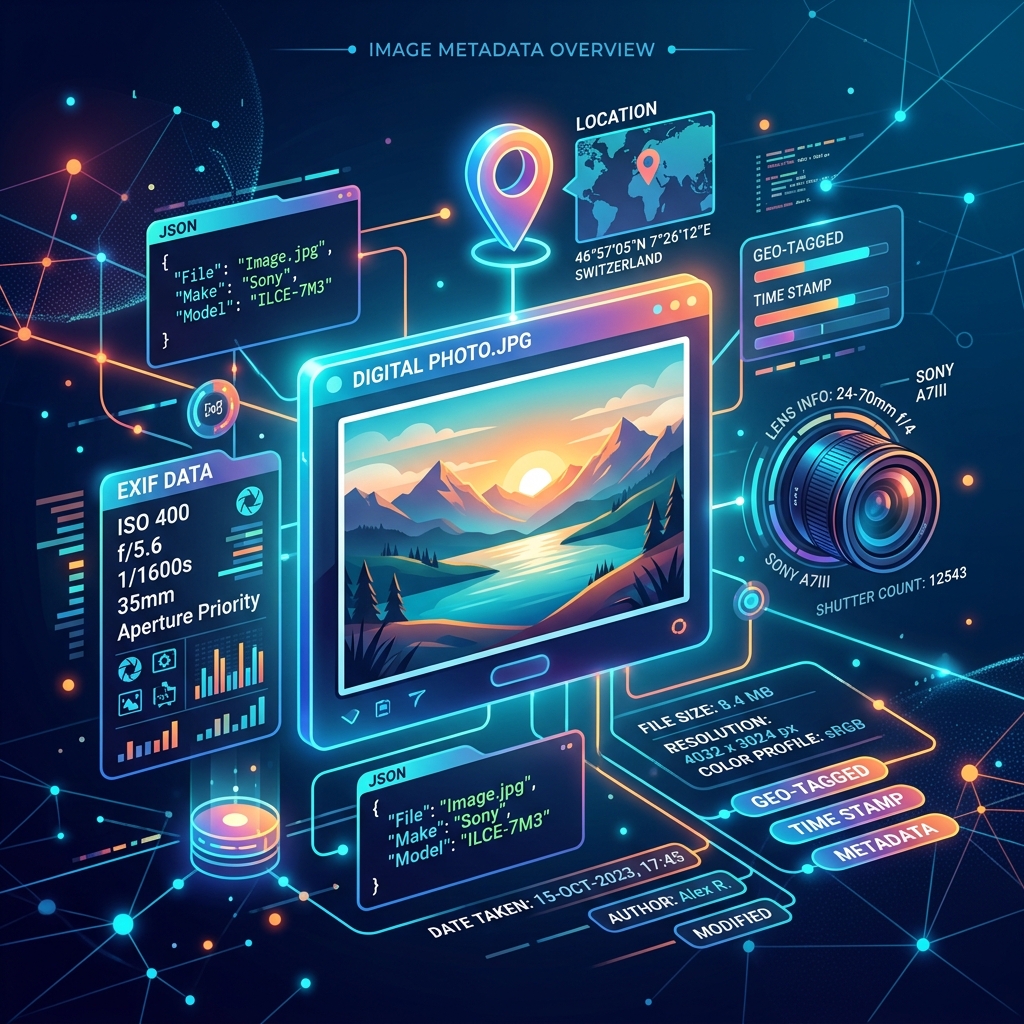
Understanding Image Metadata: EXIF, Privacy, and Performance
Every photo you take contains hidden metadata. Discover how to read EXIF data, protect your privacy by stripping location tags, and optimize files for faster loading.
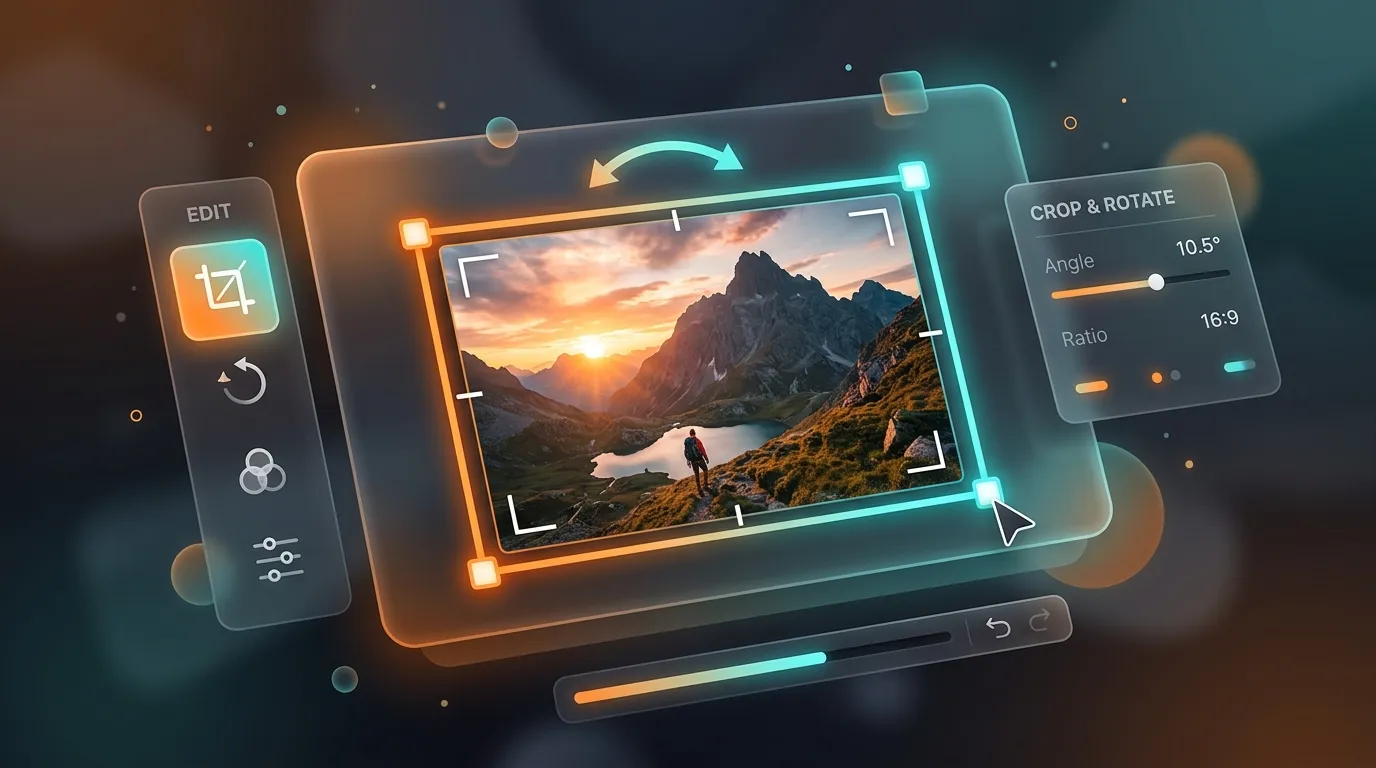
The Art of Cropping and Rotating: Framing Images for Web and Social Media
A complete guide on how to frame, crop, and rotate images to match aspect ratios for social media posts, headers, and web layouts without distortion.
Related tools
Resize an image to Facebook post size for free
Fit or fill an image to the 1200×630 Facebook post size, with drag-to-reposition and zoom, right in your browser.
Resize an image to Instagram post size for free
Fit or fill an image to the 1080×1080 Instagram post size, with drag-to-reposition and zoom, right in your browser.
Resize an image to X (Twitter) post size for free
Fit or fill an image to the 1200×675 X (Twitter) post size, with drag-to-reposition and zoom, right in your browser.
Generate Lorem Ipsum placeholder text
Generate paragraphs, sentences, or words of Lorem Ipsum placeholder text instantly in your browser.
Preview Markdown as HTML live
Paste Markdown to see a live-rendered HTML preview instantly in your browser.
Generate a Markdown table online
Paste comma-separated rows to instantly get a formatted Markdown table, in your browser.
Convert Markdown to PDF for free
Turn Markdown text or a .md file into a clean, formatted PDF document.
Merge PDF files online for free
Combine multiple PDF files into a single document in your browser. No install, no signup.
Convert numbers between bases
Convert a number between binary, octal, decimal, and hexadecimal instantly in your browser.
Generate a strong random password
Generate a cryptographically random password with adjustable length and character sets, in your browser.
Generate a PayPal.Me QR code for free
Create a QR code that opens your PayPal.Me link, optionally pre-filled with an amount.
AISummarize what changed between two PDFs
Upload two versions of a PDF and get a plain-language summary of what changed.